01
Get discovered by players
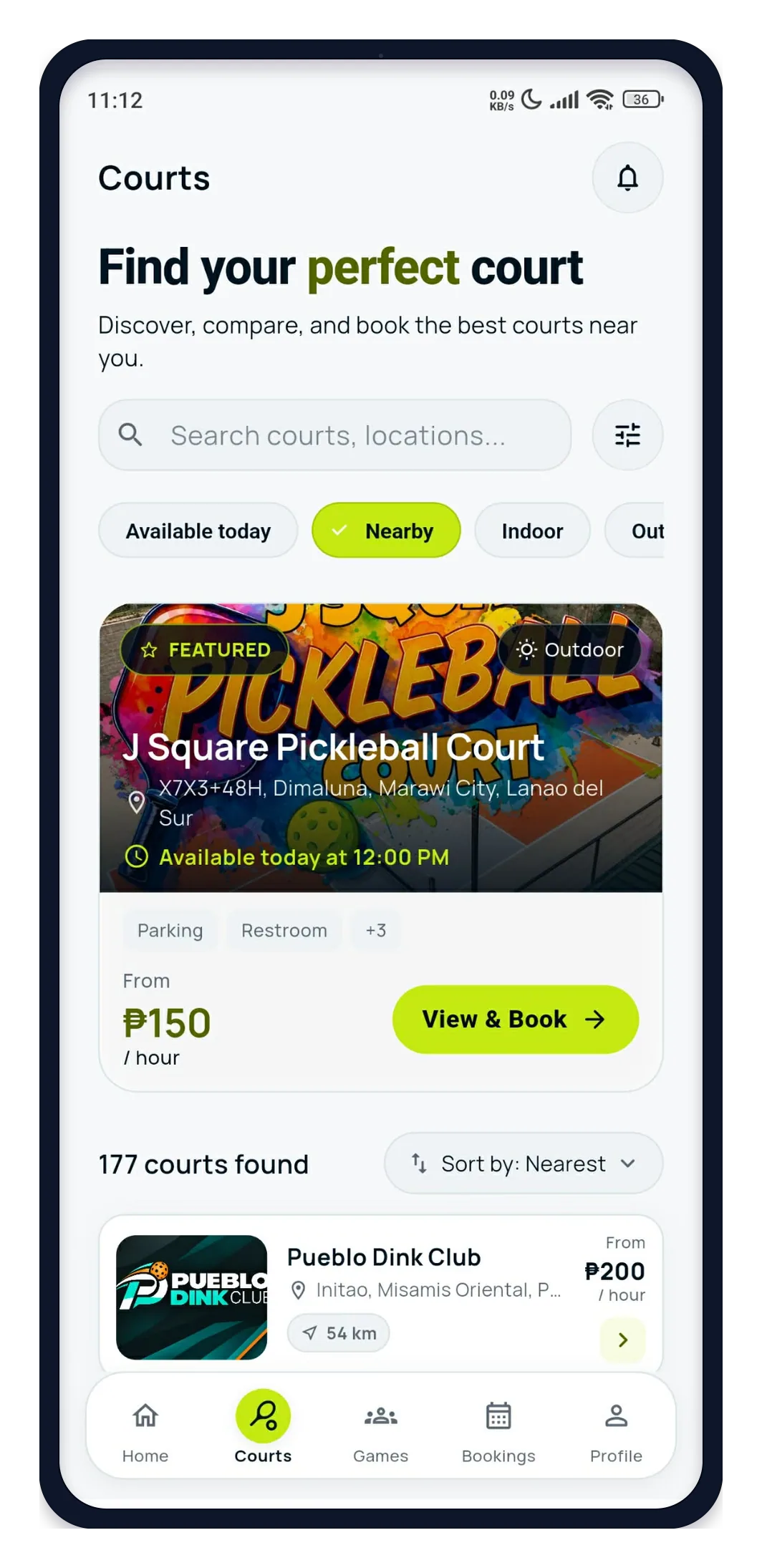
Your venue can appear when players search for courts nearby.
For pickleball court owners
DINK helps players discover your court, see availability, and book online — while giving you one place to manage schedules, bookings, and payments.
Free to get started • No long-term commitment • Keep your existing workflow
Built for independent pickleball courts
More visibility. More bookings. Easier operations.
A growing community of players and court owners
More than a calendar
DINK gives court owners the tools to get discovered, fill open court hours, and build a stronger player community.
Your venue can appear when players search for courts nearby.
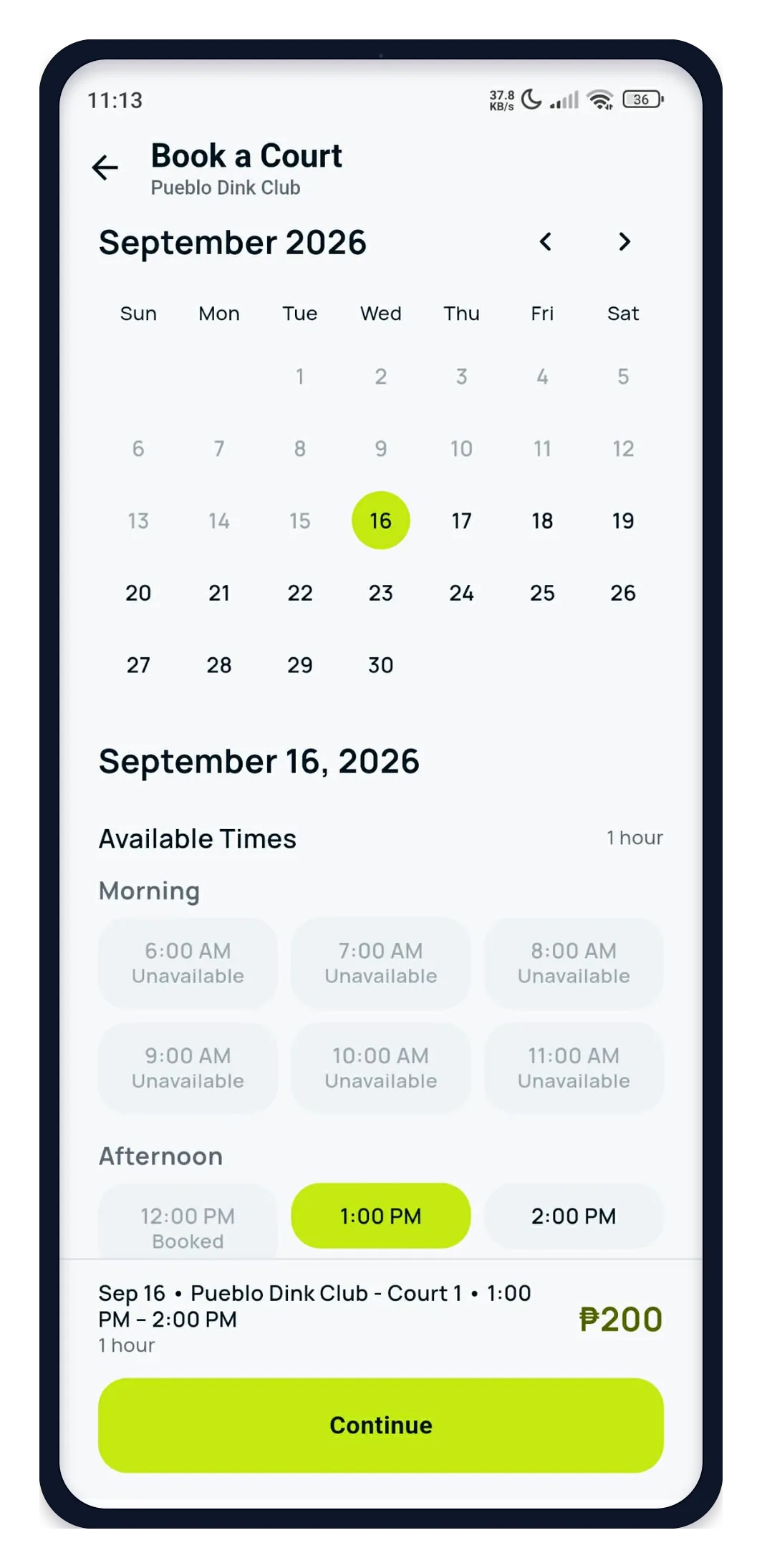
Show real-time availability and let players choose an available time.
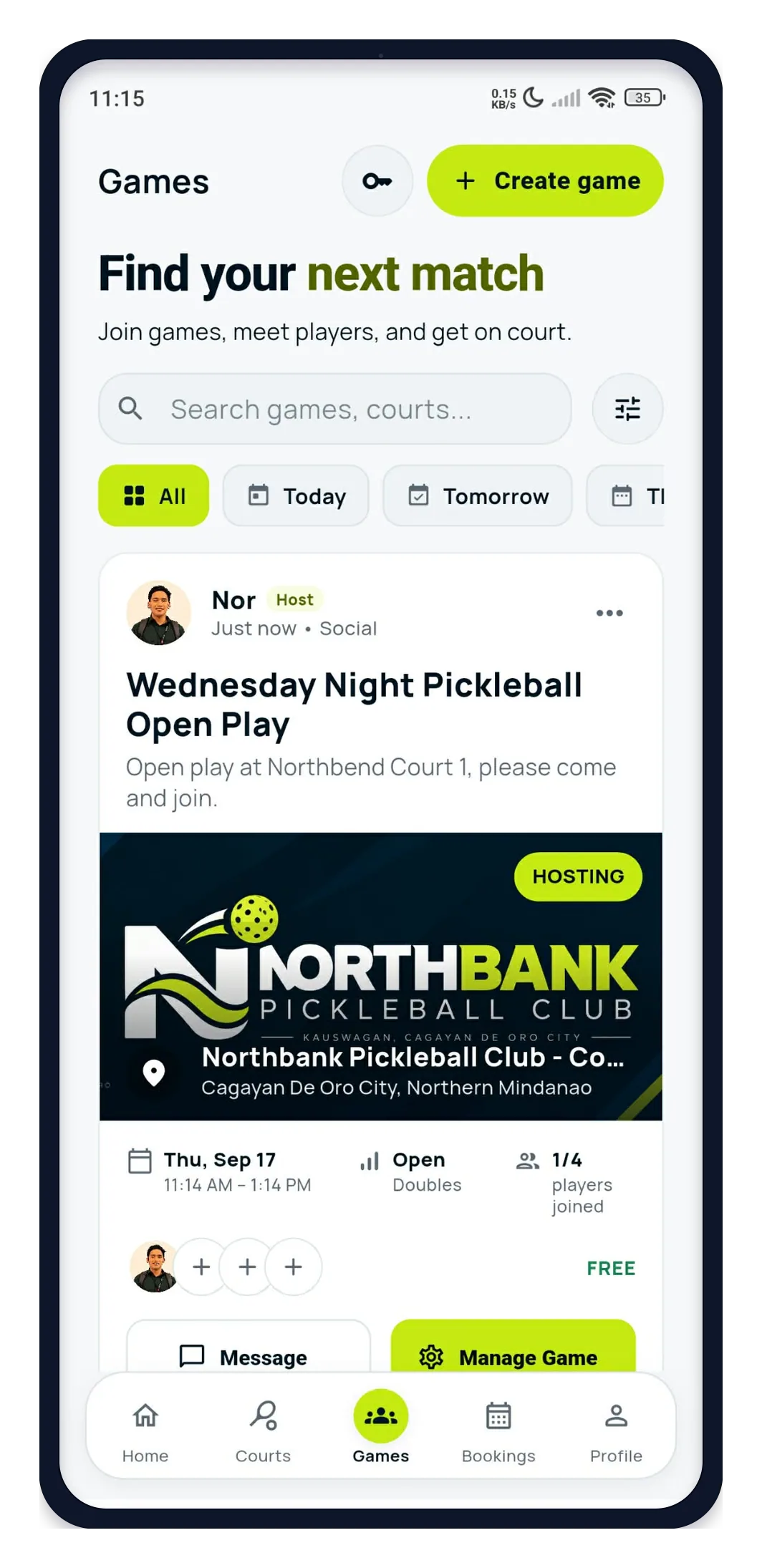
Players can discover games, open play, and opportunities to play at your venue.
Start without switching everything
No need to replace your current system today. List your court on DINK, reach more players, and try our booking tools at your own pace.
No long-term commitment · Keep your current workflow · Start with discovery
Start simple
You do not have to change your whole operation on day one. Start by helping players find your court, then adopt more DINK tools when they make sense for your business.
Players can discover your venue on DINK.
Let players see availability and book directly from DINK.
Bring schedules, payments, booking activity, and analytics into one workflow.
A day with DINK
Simple tools for a smoother day, from the first booking to the last game.
They discover the venue, select a schedule, and book.
Record walk-ins or manage reservations made outside the public flow.
Booked times are removed from public availability.
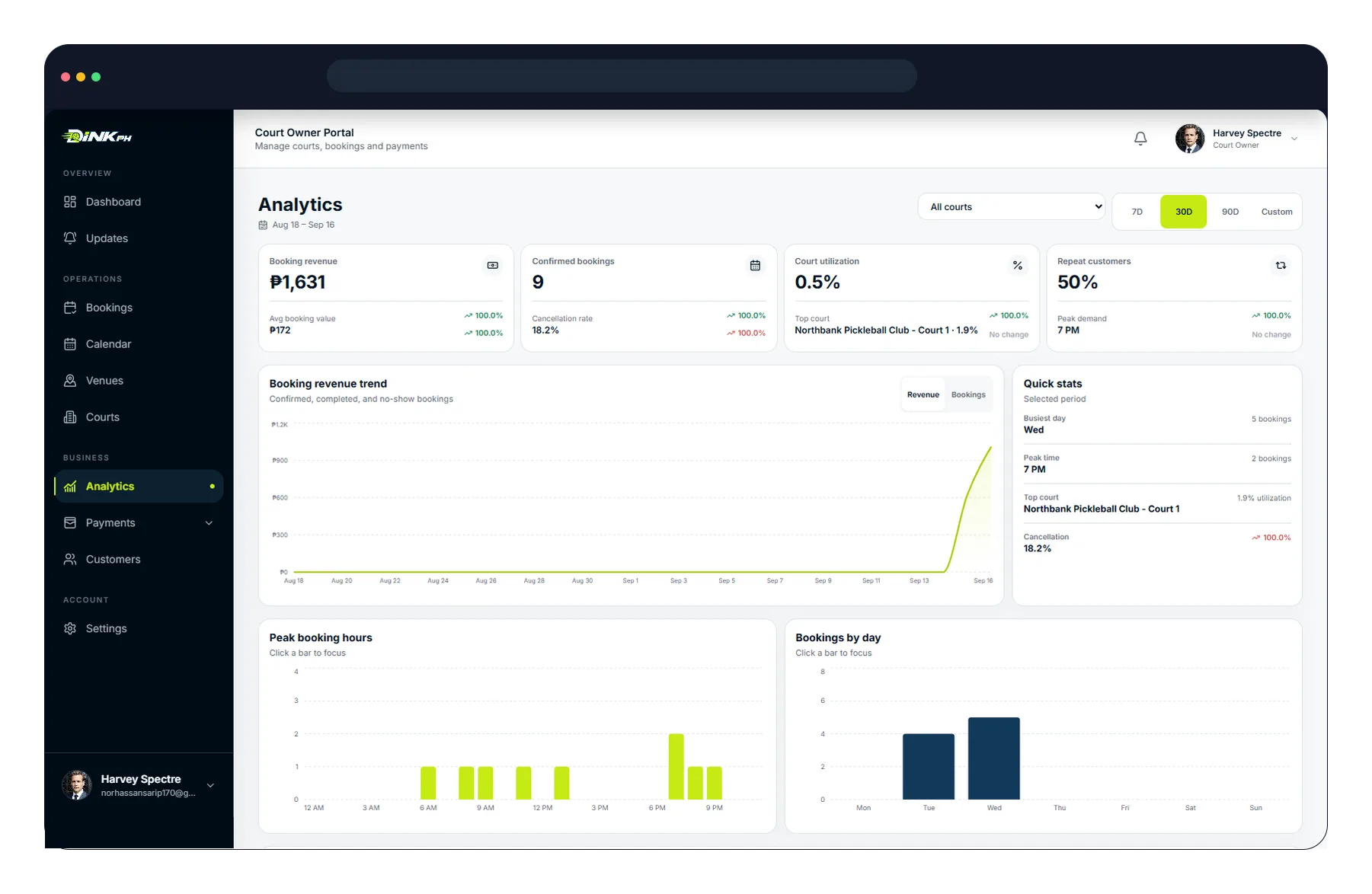
Review bookings, revenue, and court usage.
Payments
Choose the payment option that fits how your court operates.
Direct manual payment
Payments go to the receiving account configured by the owner, with manual verification.
Collect onsite
Let players reserve online and complete payment when they arrive at the venue.
Online checkout through DINK
DINK handles the online checkout and payment verification flow according to the current payout process.
Analytics
See booking activity, revenue, court usage, and your busiest hours in one view.
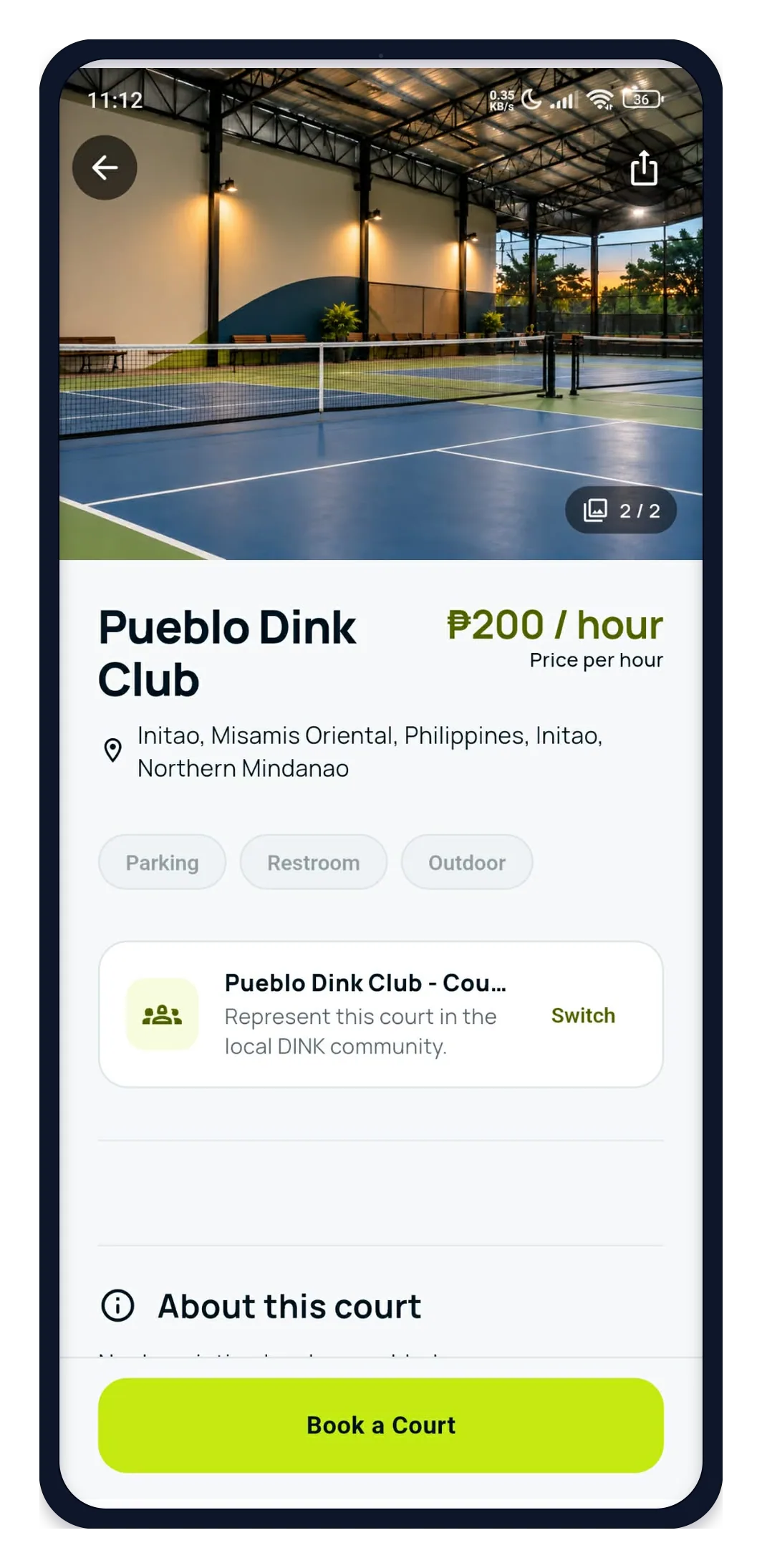
Your player-facing storefront
DINK is not only an admin tool—it is also a storefront for your court. Players can discover your venue, check prices and availability, and book without installing the app.
FAQ
Straight answers, without promising features or terms that are not part of the current DINK setup.
Yes. You can start by listing your venue on DINK and keep your existing workflow. You do not need to replace your current booking system immediately.
Supported DINK venues can accept guest bookings through the web, so players do not always need the mobile app to reserve a court.
It depends on the payment method enabled by the venue. Manual GCash or Maya follows the owner-configured receiving account, Pay at Court is collected onsite, and DINK Checkout follows the current DINK checkout and payout process.
Yes. Court operations can include manual or walk-in bookings so the schedule can reflect reservations made outside the public booking flow.
Yes. Owners can manage availability and blocked periods so unavailable times are not offered as bookable slots.
DINK provides court-owner management tools. Staff access depends on the account and permission setup currently enabled for your venue.
You can begin the listing and owner setup process online. The exact time to complete setup depends on the venue information and verification required.
Reach players where they already look
List your venue on DINK and start giving players another way to discover and book your court.
Already using another booking platform? You can still list your venue on DINK.